
Compass Group Login Help: Choose the Right Official Portal
Most people searching for Compass Group login are not looking for a company overview. They need to know which official portal to open, what username to use, why a login is failing, and whether they should use ESS, CompassConnect, Workday, payroll support, HR, or a manager.
This guide gives a clean path for associates, managers, corporate users and HR-directed users. It does not collect passwords, does not replace official support, and points you only toward official Compass Group or employer-approved login routes.
Quick Answer: Which Compass Group Login Should You Use?
Use the employee self-service route when your goal is associate payroll, pay-related access, profile information, or employee self-service tasks. Use CompassConnect only when your role gives you authorized internal access. Use Workday or another HR tool only if your HR team, onboarding email, manager, or workplace instructions specifically tell you to use it.
Compass Group Login Portal Finder
Before entering your username anywhere, match your task to the correct portal. This one step prevents most login errors, password-reset loops, and “access denied” messages.
| Your Goal | Best Starting Point | Important Note |
|---|---|---|
| Check paystub, W-2, payroll or employee self-service details | Compass Associate ESS | Access depends on your employer setup, location and associate account status. |
| Access internal Compass systems, dashboards or manager tools | CompassConnect | This is for authorized users only. Payroll credentials may not work here. |
| Complete onboarding, HR tasks or profile updates | Portal named by HR or manager | Some locations may use Workday or another HR system. Do not guess. |
| Look for benefits, rewards or current associate resources | Compass Group Current Associates | Use official Compass Group associate resources for current employee information. |
| Apply for a job or check career opportunities | Compass Group Careers | Applicant login is not always the same as employee login. |
Compass Associate ESS Login: Best for Employee Self-Service
If you are an associate trying to access pay-related information or employee self-service features, the ESS portal is usually the first place to try. Your exact access can depend on your country, business unit, hiring setup, and whether your account is active.
Open the official ESS page
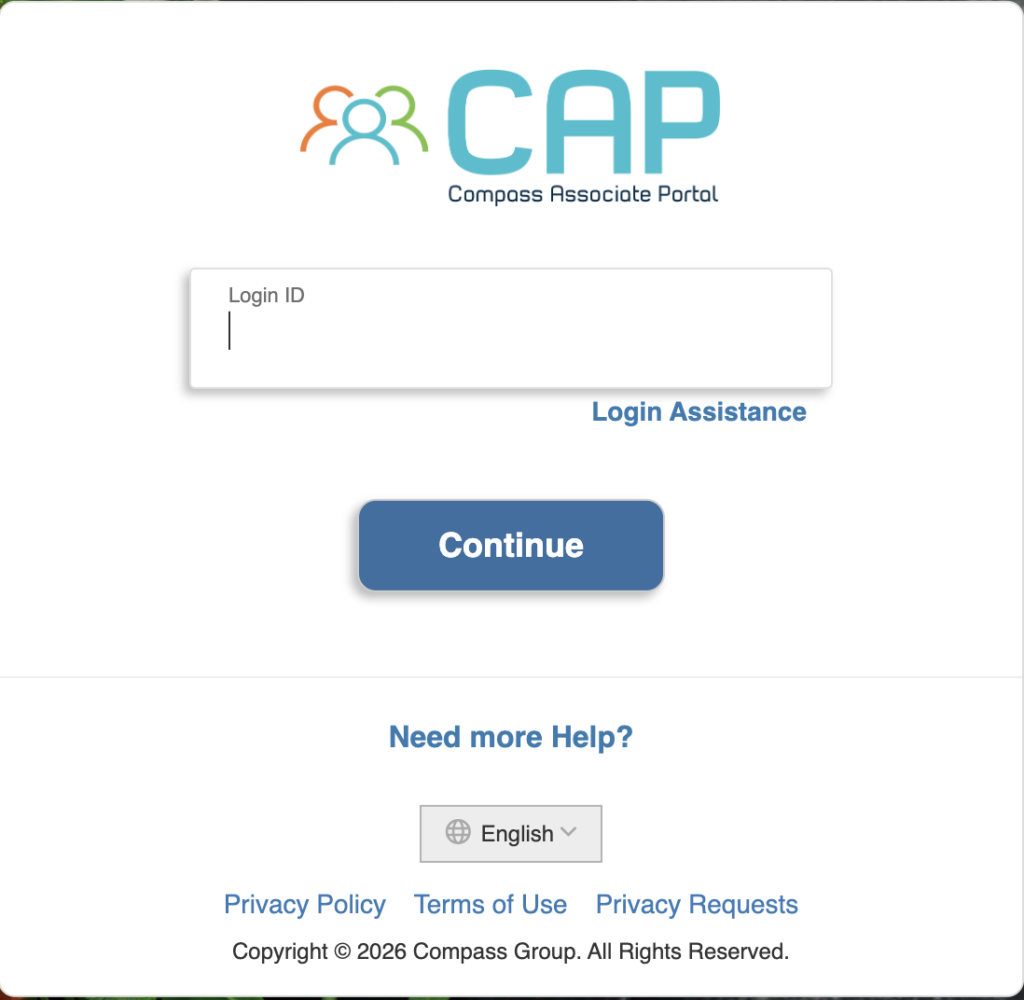
Go directly to ess.compassassociate.com. Type the address manually or use a trusted bookmark.
Enter the login ID requested on the screen
Use the login ID, personnel number, username, or associate credential provided by your employer. Do not use your personal email unless your workplace instructed you to.
Use login assistance if needed
If the portal shows a login assistance option, use it from the official screen only. If recovery fails, contact your manager, payroll contact, HR, or local support.
Check pay or profile sections after login
Once inside, look for pay, payroll, tax forms, direct deposit, personal profile, or benefit-related menus depending on what your employer has enabled.
Important: Do not enter your Compass credentials on a copycat website, comment form, unofficial app, email link, or social media message. A real login guide should never ask for your password.
CompassConnect Login: For Authorized Internal Users
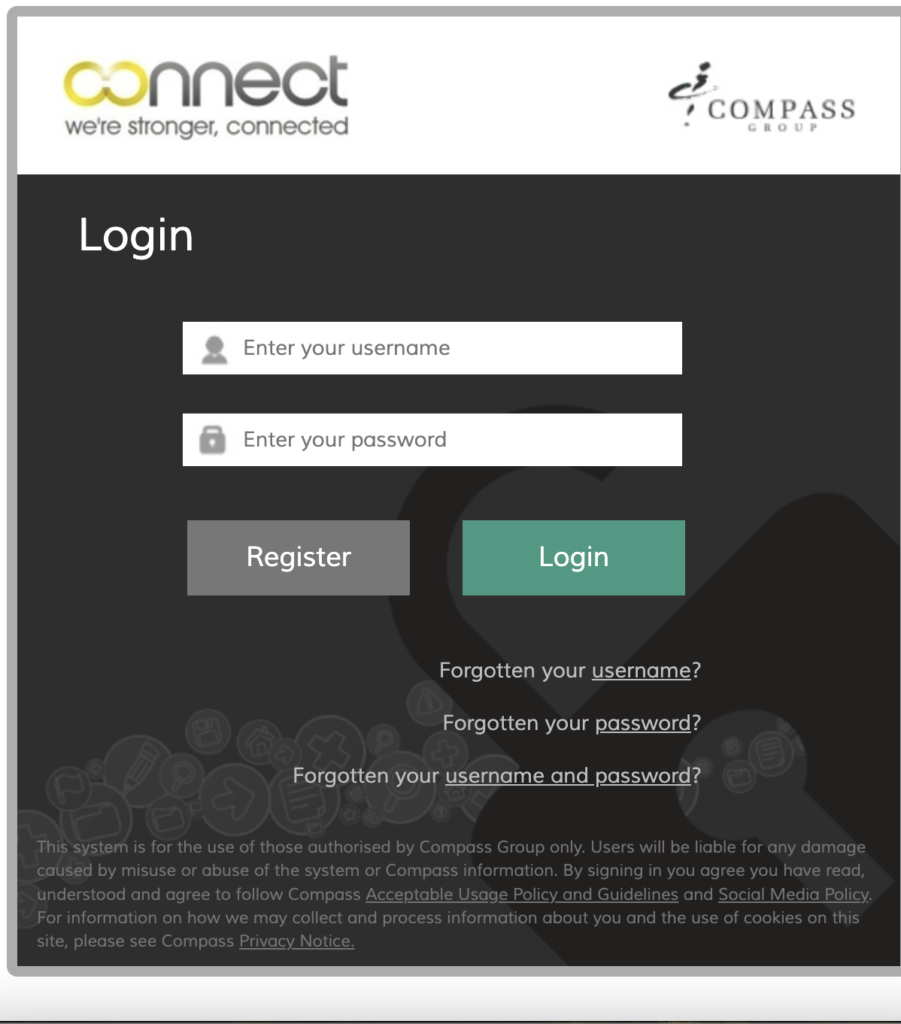
CompassConnect is different from ESS. It is generally used for authorized internal systems, company tools, role-based dashboards, and operational access. If your manager or IT team did not give you access, the login may fail even if your employee information is correct.
Open the official CompassConnect page
Visit compassconnect.com only if your role has permission for internal access.
Use company-issued credentials
Enter the username and password assigned for internal systems. ESS payroll credentials may not work for CompassConnect.
Follow any security prompt
If you are asked for multi-factor verification, complete it using your approved company method.
Contact IT or your manager if access is denied
Access denied usually means your account is not authorized for that system, not that the whole portal is broken.
Workday, HR Portals and Location-Based Login Instructions
Some associates may receive HR instructions that point to Workday or another employer-approved system. Do not assume every Compass Group employee uses the same HR login path. The right portal can vary by business unit, location, country, onboarding stage, and employee type.
Use Workday only when instructed: If your onboarding email, HR department, manager, or workplace notice names Workday, follow that official instruction. If not, start with ESS for associate self-service or ask HR before entering credentials elsewhere.
Common Compass Group Login Problems and Practical Fixes
Login issues usually come from using the wrong portal, an inactive account, a browser problem, expired credentials, or missing permission. Use this checklist before repeating password resets.
| Problem | Likely Cause | Try This First |
|---|---|---|
| Page loads but login fails | Wrong portal, old password, saved browser data, or incorrect username format. | Confirm whether you need ESS, CompassConnect, Workday, or another HR portal. Then try a private browser window. |
| Access denied | Your role may not have access, or your account has not been activated for that system. | Ask your manager, HR, payroll, or IT support to confirm your account permissions. |
| Forgot username | The portal may require personnel number, login ID, company username, or another assigned credential. | Use official login assistance or ask HR/payroll to confirm the correct login ID format. |
| Forgot password | Password expired, incorrect saved password, or account recovery not set up. | Use the password recovery option on the official portal only. If it fails, contact support through your workplace. |
| Portal works on phone but not computer | Cache, cookies, browser extension, VPN, ad blocker, or outdated browser. | Clear cache, disable extensions temporarily, try Chrome/Edge/Safari, or switch networks. |
| New employee cannot log in | Account may not be fully activated, onboarding may be incomplete, or HR has not issued credentials yet. | Check onboarding email, ask your manager, and confirm your start date/account activation status. |
Compass Group Paystub and Payroll Access: What to Check
If your main goal is paystub, W-2, direct deposit, earnings history, or payroll information, start with the employee self-service route your employer gave you. If ESS does not show the information you need, the next correct step is not another random website. It is HR, payroll, or your manager.
- Full legal name used for employment
- Employee or personnel number if available
- Work location or business unit
- Last four digits only if HR asks for identity verification
- Pay period or tax year you are asking about
- Password or one-time verification code
- Full Social Security number
- Full bank account number
- Full tax documents in public comments
- Login screenshots showing private information
Security Checklist Before You Enter Compass Credentials
Login searches attract fake portals because employees are trying to access payroll and HR information quickly. Slow down for ten seconds and check the basics before entering your username or password.
Check the domain
Make sure you are on an official Compass Group or employer-approved domain. Do not trust lookalike pages with extra words, misspellings, or strange popups.
Avoid login links from messages
If a text, email, or chat message asks you to sign in urgently, open the official portal manually instead of clicking the link.
Do not share verification codes
A real support person should not ask you to send them your password or one-time code through email, chat, or a public form.
Use your workplace support path
For account lockouts, pay questions, HR documents, or profile problems, contact your manager, HR, payroll, or IT support through your official workplace process.
Do not enter credentials on this website. This page is only an informational guide. It does not operate Compass Group login systems and does not provide account support.
What This Page Improves Compared With a Basic Login Article
A thin login page usually gives one link and a few generic steps. That is not enough for users who are locked out, using the wrong portal, looking for paystubs, starting onboarding, or trying to understand the difference between ESS and CompassConnect.
Compass Group Login FAQs
What is the correct Compass Group employee login portal?
For many associates looking for employee self-service access, the commonly used official portal is ess.compassassociate.com. Access can depend on country, employer setup, role and HR instructions.
What is CompassConnect used for?
CompassConnect is used for authorized Compass Group internal access. It is generally for users who have company-issued credentials and permission to use internal Compass systems.
Why can I not log in to my Compass Group account?
Common reasons include using the wrong portal, entering an old username or password, browser cache problems, expired credentials, location-based access rules, or a role that does not have permission for that system.
Can I access Compass Group paystubs online?
Many associates use the employee self-service portal for pay-related access, but the exact paystub and W-2 process depends on the associate’s employer setup, location and HR instructions.
Should I use Workday for Compass Group login?
Only use Workday if your local HR team, onboarding email, manager or official Compass Group instructions tell you to use Workday. Not every associate uses the same HR system.
What should I do if Compass Group login says access denied?
Access denied usually means the account does not have permission, the wrong portal is being used, the password is expired, or the user is not authorized for that internal system. Contact HR, payroll or IT through your workplace.
How do I reset my Compass Group login password?
Use the password recovery or login assistance option on the official portal you were instructed to use. If recovery fails, contact your manager, HR, payroll or IT support.
Is compassgrouplogin.com an official Compass Group website?
No. CompassGroupLogin.com is an independent informational guide. Always enter credentials only on official Compass Group or employer-approved portals.
Independent Guide Notice
CompassGroupLogin.com is not operated by, endorsed by, or affiliated with Compass Group. This page is an independent informational guide that helps users understand official login routes and common access problems.
Do not enter your password, one-time code, payroll details, Social Security information, or bank information on this website. For official account access, payroll help, employment records, or HR support, use the official portal your employer provides or contact your workplace HR, payroll, manager, or IT support.
Schema note: This page uses FAQPage schema only. It avoids Organization, LocalBusiness, Service, BreadcrumbList and official-entity schema because this is an independent informational guide, not the official Compass Group website.